Footer only appears in the plaintext portion of an HTML email

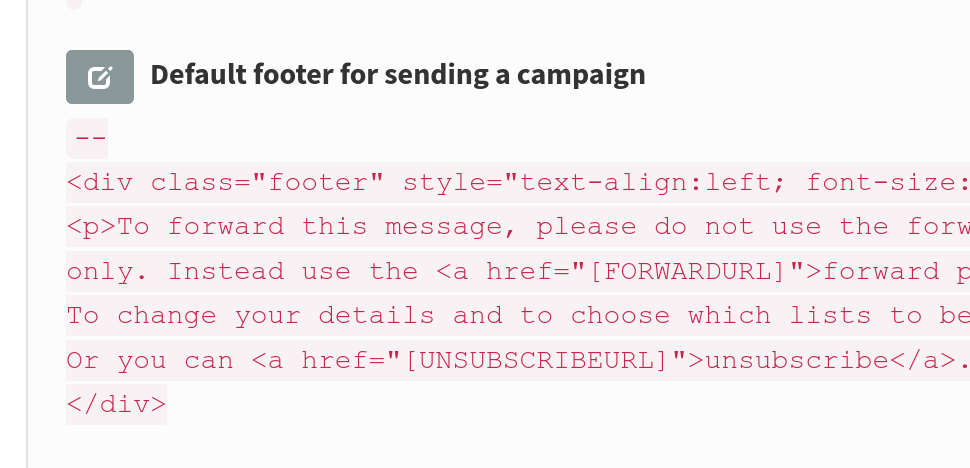
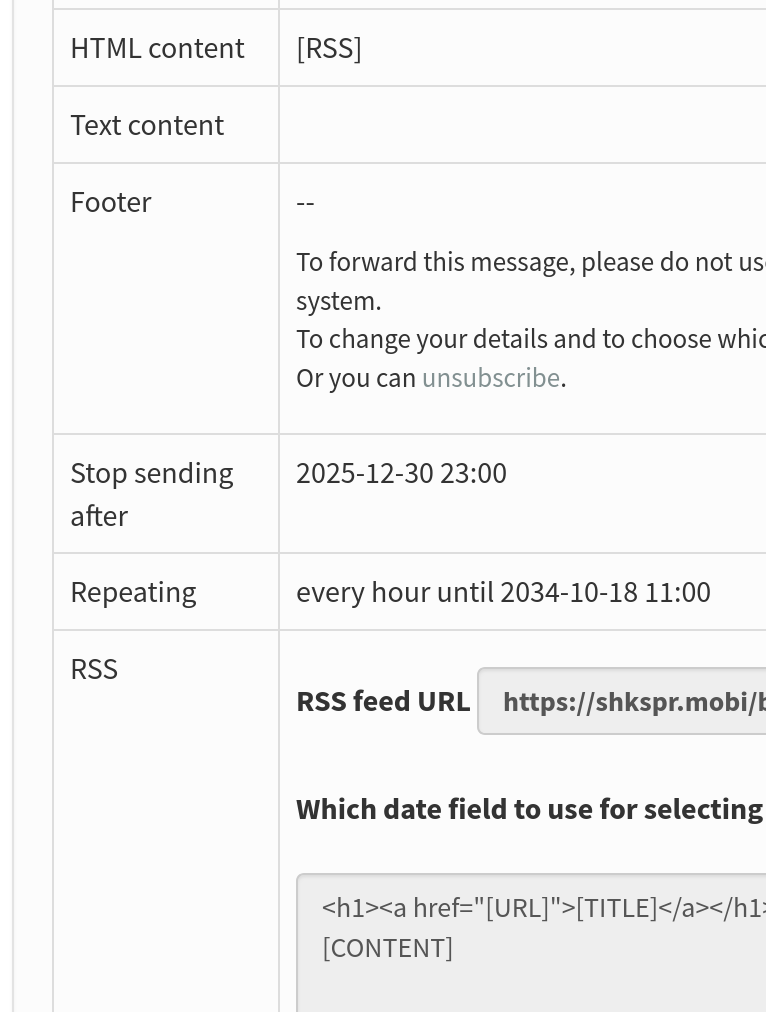
I’ve got a campaign which sends out HTML emails. As you can see, it has a footer set:

The message is

<h1><a href="[URL]">[TITLE]</a></h1>
[CONTENT]

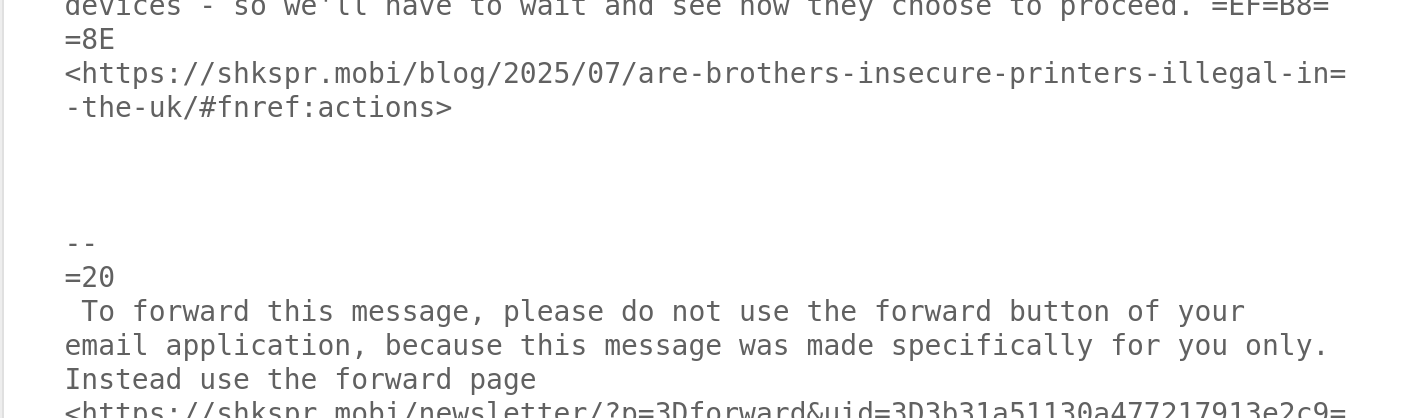
When messages are sent, the footer only appears in the plaintext portion of the email:

Scrolling to the bottom of the HTML reveals no footer:

I’ve tried changing the message to be

<h1><a href="[URL]">[TITLE]</a></h1>
[CONTENT]
[FOOTER]

But that just literally printed [FOOTER]

I have a default footer set in the config:

From reading the documentation, this should work. Can someone please let me know what I’m doing wrong? Thanks!

@edent The HTML format email doesn’t have the “powered by phplist” statement either. Does that appear in the plain text version?

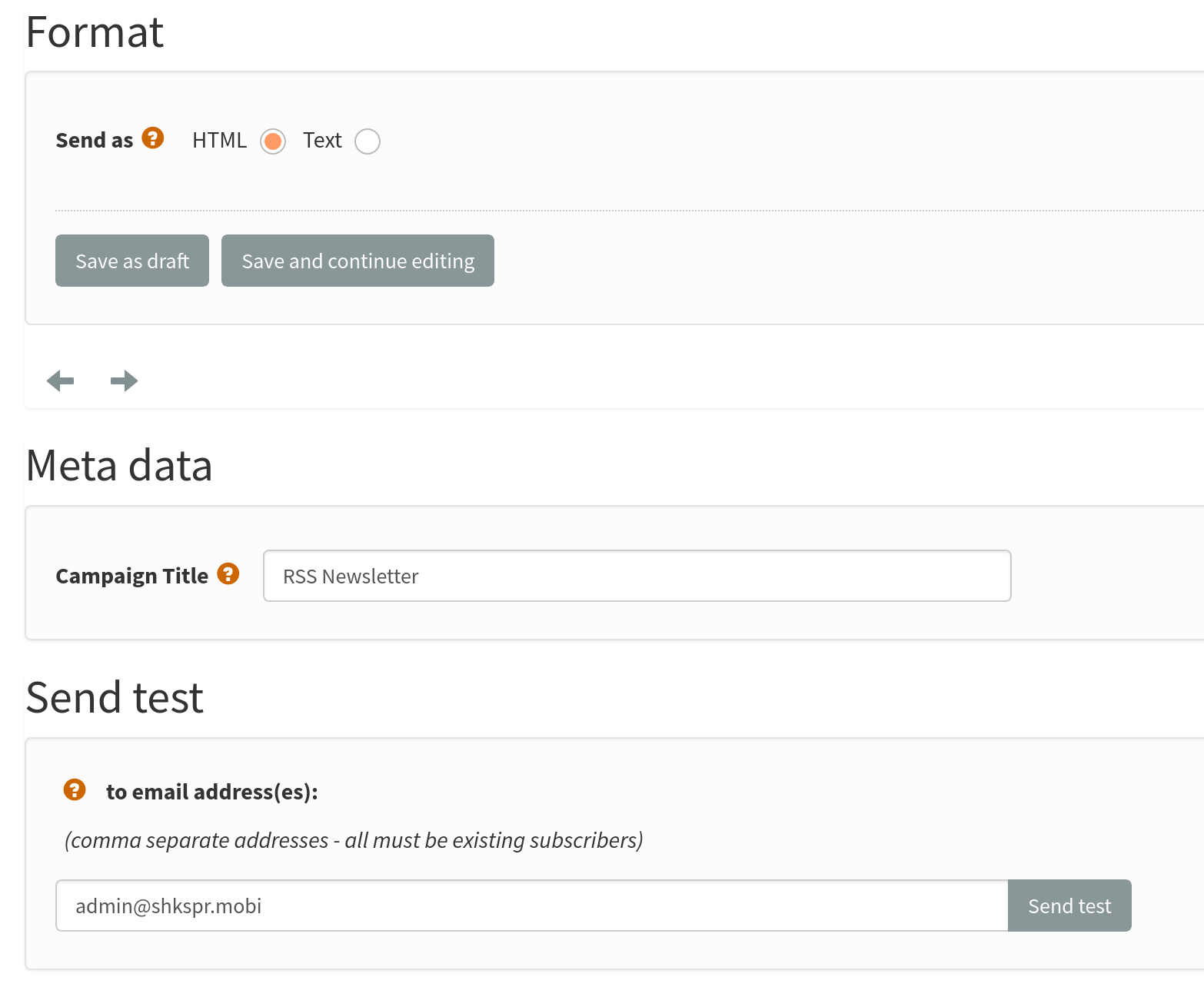
Are you using a template, selected on the Format tab when composing the campaign?

Sorry for the delay in replying. There’s no template in the format option.

If I set the contents to be

[RSS]

No footer appears.

If I leave the compose message blank, the footer appears - but no content.

If I use:

[RSS]

[FOOTER]

I get the post, but no footer.

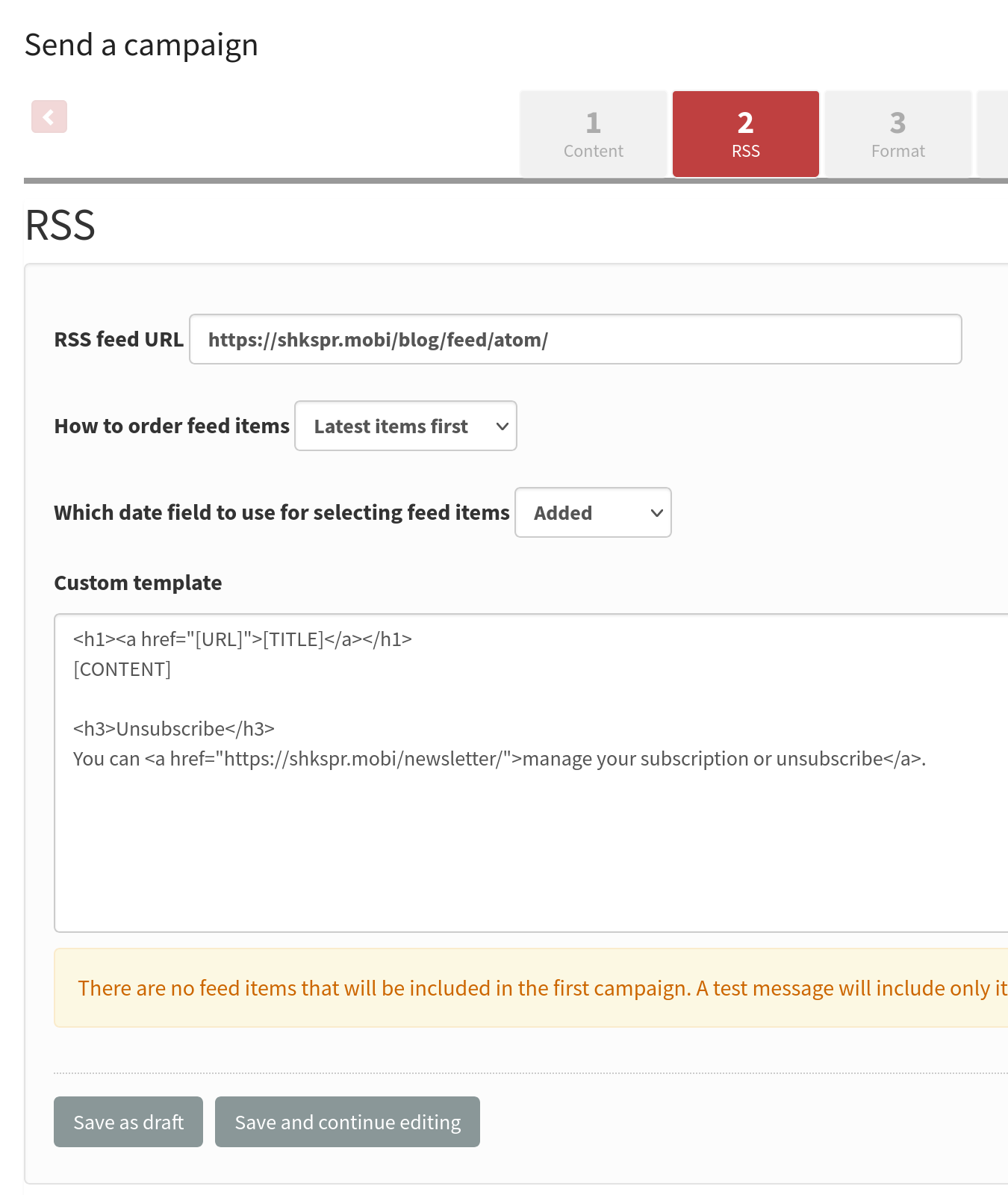
There’s an RSS template which looks like this

But, again, the unsubscribe link doesn’t show up.

All that works is setting the RSS to:

<h1><a href="[URL]">[TITLE]</a></h1>
You can <a href="https://shkspr.mobi/newsletter/">manage your subscription or unsubscribe</a>.
[CONTENT]

It appears that anything after the [content] is not displayed.

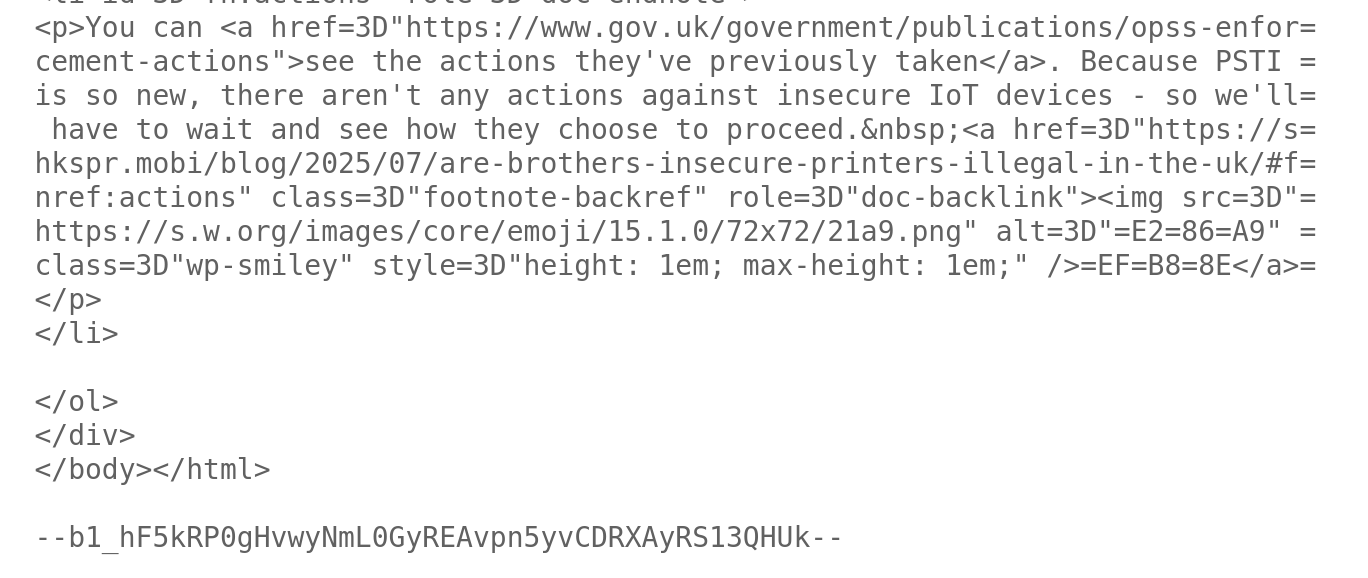
@edent The problem seems to be caused by the <content> element in the Atom feed being a complete html page including <html> and <body> tags. I am sure that will confuse some phplist processing that does simple string matching. I can now repeat the problem.

I looked at the RSS feed and that too has those extra elements so I guess that they are in the actual Wordpress article. Posts in another Wordpress site that I help with are not complete html pages. Can you change the way that the articles are created to avoid this?
1 Like

Thanks - I’ll give that a go.