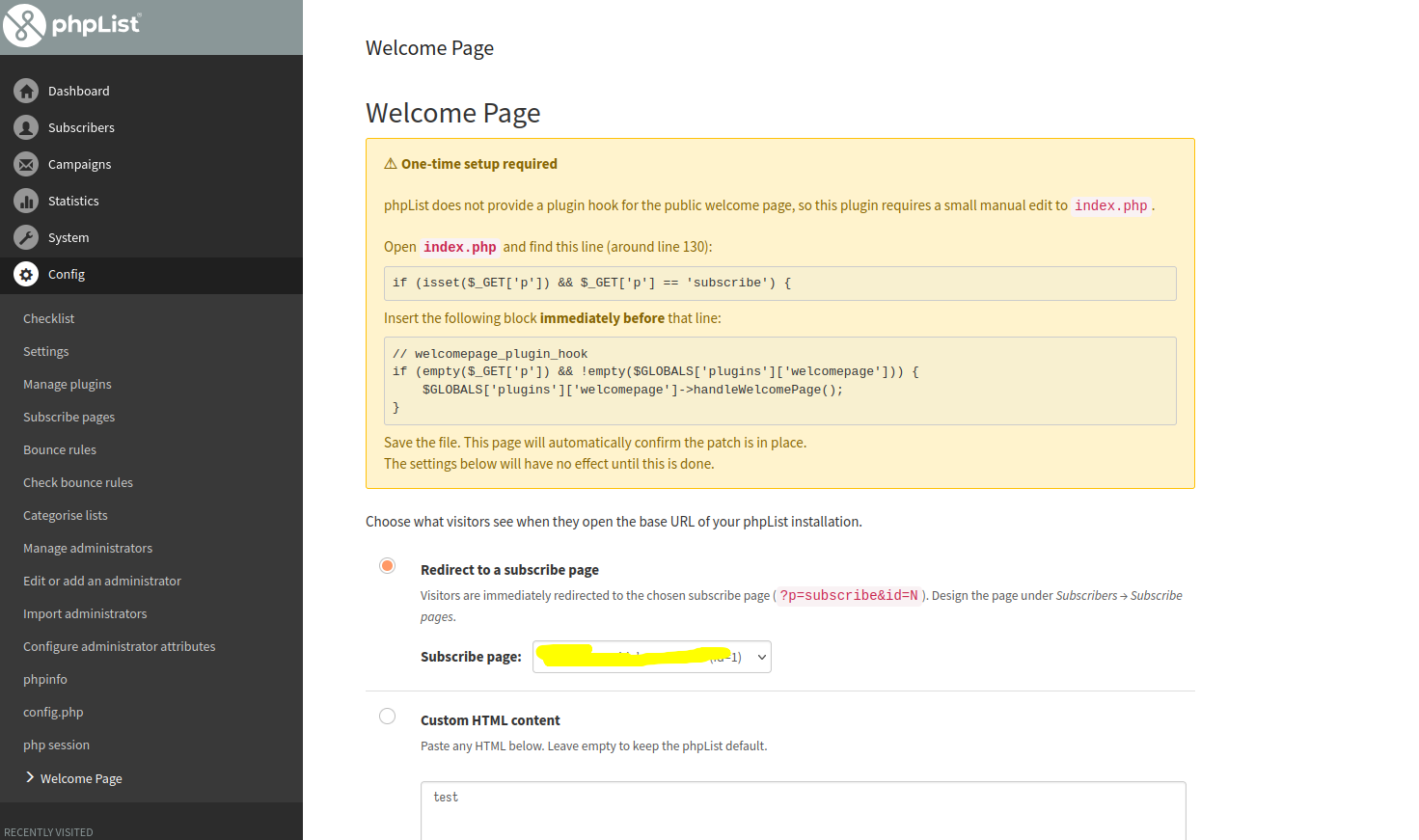
Hello, I would like to customize CSS and texts from the home page. I mean the page with:
[user] newsletter
Update your preferences
Unsubscribe from our Newsletters
Contact the administrator
So far I understand I can add custom CSS in the header of a Subscribe page, that will affect the home page, but the text on the home page is hardly modifiable / removable. Any tips in that direction?
Sory to insist but it seams like a basic feature to have. Am I missing something?
Any tips will help me. Thank you.
@tarball The text for the public pages is held in files in the lists/texts directory. To some extent you can change the words, say change “newsletter” to “email updates” or whatever. The text is translateable so there is one file for each language in that directory.
1 Like
Thank you for your answer. This will be useful but I think it lacks of a deeper way to customize this page. After all this is the main public page users will see. Access to this page’s HTML template would be a very interesting plugin.
I ended up creating a plugin that is based on a hook on the index.html, hook that apparently doesn’t exist yet. Anyway it works.